
KeyBot · v2.4
OLED Screen Guide
The OLED automatically switches screens depending on the situation. Here's what each screen means.
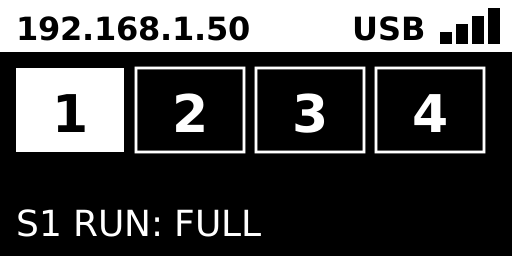
White box = currently active schedule
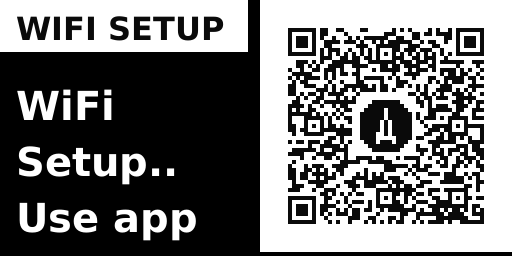
Send Wi-Fi info over BLE from the app
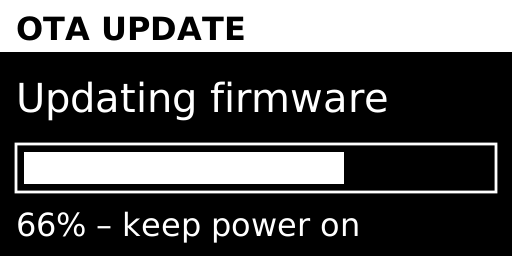
Keep power connected until it finishes
| Top status bar | Left: Wi-Fi IP address / Right: USB connection status + Wi-Fi signal strength |
|---|---|
| Schedule boxes 1–4 | The currently running schedule is highlighted with a white box. |
| Bottom status text | Shows the current schedule number and mode in the form S1 RUN: FULL |
| Mode icons | Run-once family (▶■): triangle+square / Repeat family (↺): cyclic arrow |